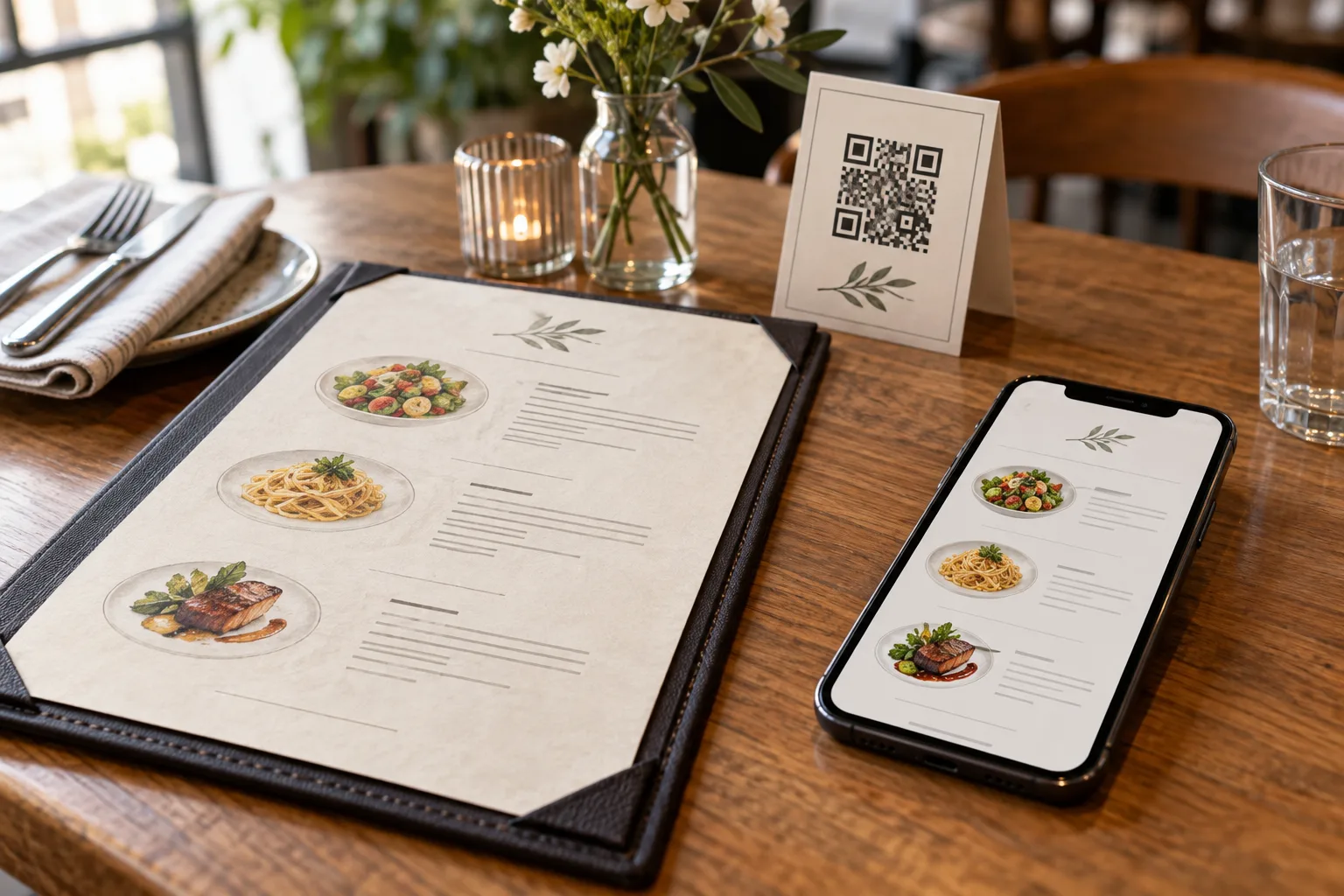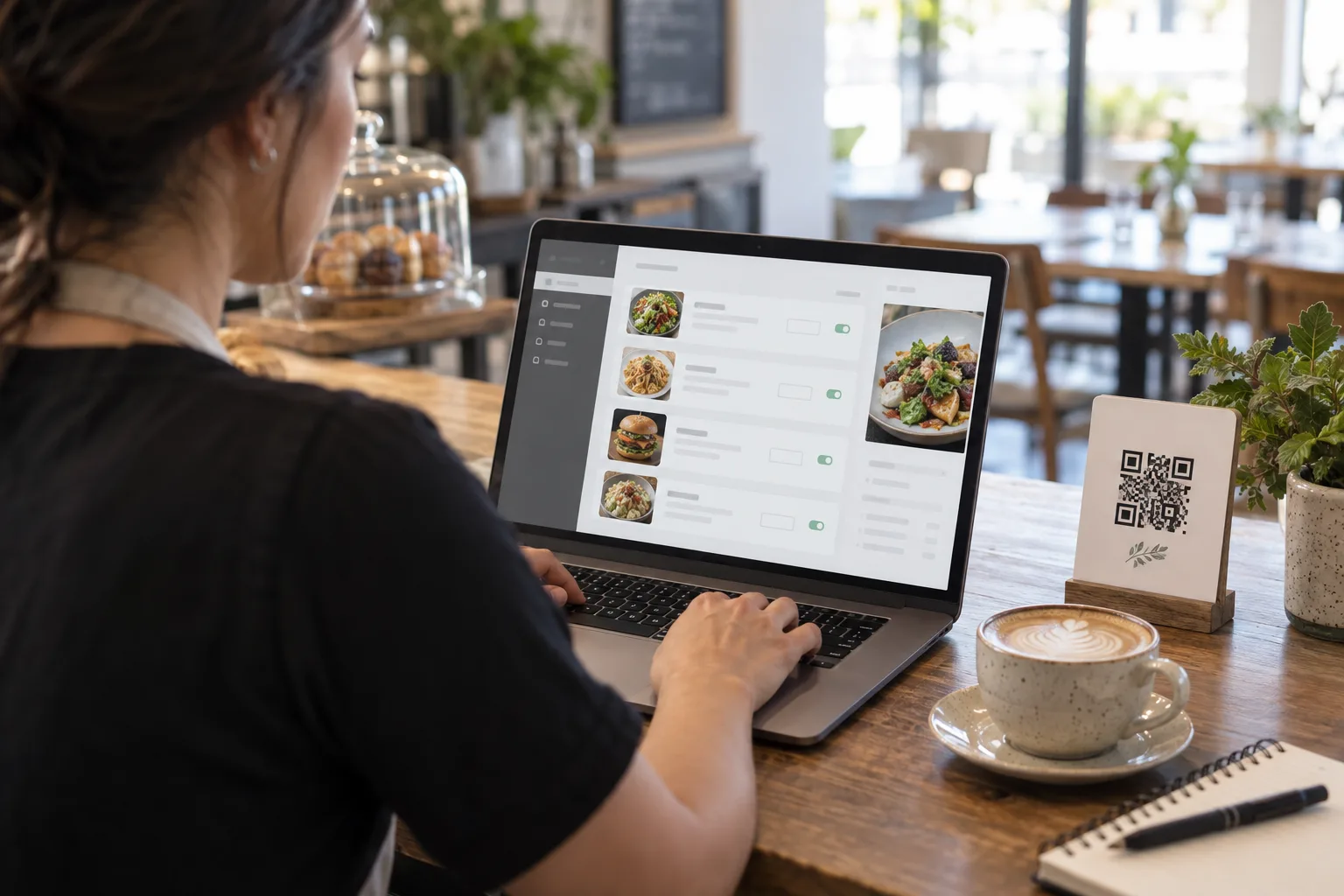
Keep the printed sign and scan it before editing anything. A shop QR opens the menu currently assigned to the shop. A collection QR opens that particular collection. A table QR identifies a table and opens its assigned menu for ordering. Follow the same sign your guests use when checking a price.
Find the price the customer actually sees
Suppose a café sells an iced latte for THB 75 and wants to charge THB 80 at lunch. Look at the menu opened by the sign. If it shows the regular catalog, change the latte in the dish catalog and save. If it opens a published lunch collection, find that collection in the menu editor. Its published version keeps its own selection of dishes and prices.
Publish the lunch price
Open the draft of the lunch collection. Keep the latte selected, enter THB 80 in its price field and save the draft. While you review the draft, guests still see the last published lunch price. Publish the collection when service is ready to use THB 80. A dinner collection with a different price can stay as it is.
If you remove the check beside the latte, publishing removes it from that collection. The dish is still available to edit in the catalog. Check the currency, portion and similar item names before publishing. Names, photos and availability follow the catalog, so review those separately when a recipe changes.
Test the sign during service
Scan the same printed lunch QR from a guest phone and reopen the menu. Find the latte, check the portion and read the price beside it. If a table uses the lunch collection, also open that table's QR and check the amount shown before placing an order. A kiosk or takeaway queue can use a different price, so check the channel your guest actually used.
Recover a previous version
To bring back an earlier selection, open the collection history, restore the version as a draft and review its prices. Publish that draft to make it visible again. Pausing publication takes the collection out of service. Before pausing, check which signs and tables point to it and decide what guests should see during the change.
Know when to print again
A price change at the same destination keeps the original print usable. If a sign points to an old PDF, another restaurant or a different URL, updating your catalog cannot change that destination. Scan a test print on a second phone before replacing the signs around the room.
Create a first menu · Free QR menu · Compare plans
Frequently Asked Questions
Does a QR code store my menu prices?
A QR code for a public web menu stores its destination URL. The prices are content on the page, so editing them does not require changing that URL.
Will a QR code for my old PDF automatically open my new menu?
No. Check the exact destination of the printed code. If your new menu has a different URL, use and test a code for the new destination.